Framer F1 · firmware and HMI
Through Work Louder, I contribute to the firmware and HMI of Framer F1, connecting its display, physical controls, and Framer functions in one coherent experience.
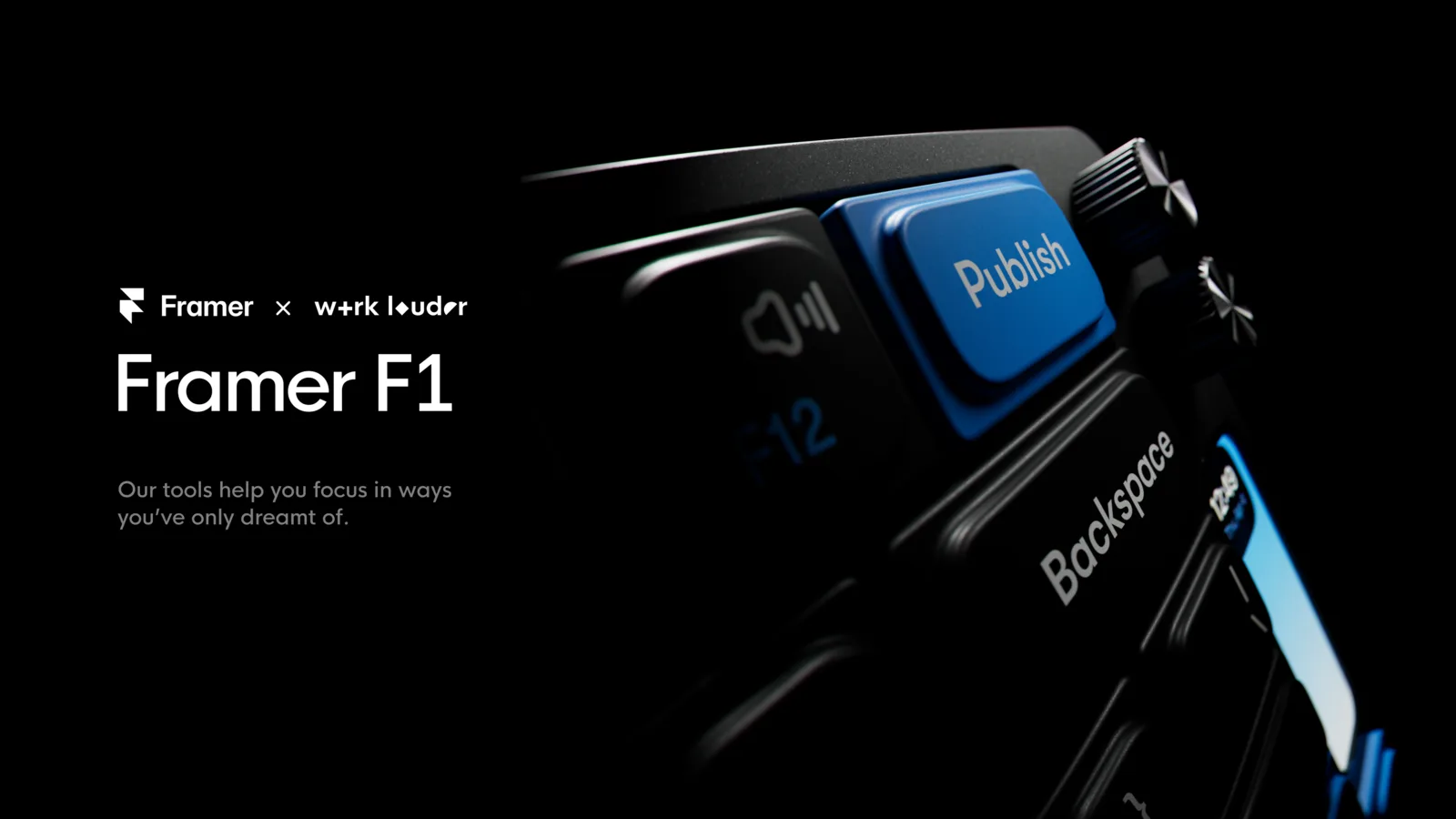
A keyboard designed around Framer
Framer F1 is a mechanical keyboard designed by Framer and developed by Work Louder. It combines programmable physical controls with a panoramic display to bring selected Framer functions onto the desk.
The product challenge is not simply adding a screen to a keyboard. The display, keys, and controls need to behave as parts of the same experience while remaining useful during normal keyboard use.

Framer F1, designed by Framer and developed by Work Louder.
The official pages describe a 75% layout with 84 keys, two programmable knobs, and a 310 × 100 pixel full-color display. Public Framer functions include actions such as publishing, opening the CMS, using effects, and viewing site statistics.
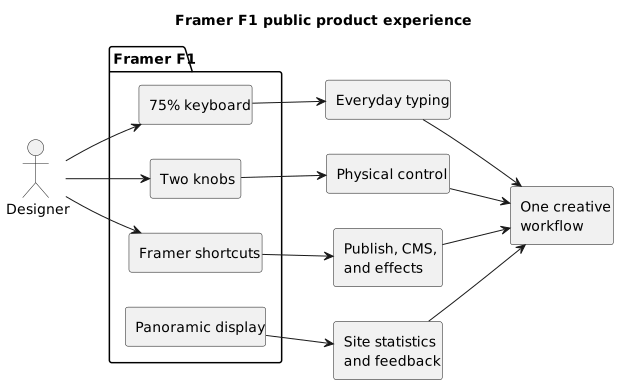
The physical surface brings together typing, control, and Framer information. The diagram represents only the publicly described functions.
My contribution
Through Work Louder, I contribute to the development of the firmware and HMI.
My work includes:
- translating product goals and Framer workflows into interactions suited to an embedded device;
- developing firmware features that connect the physical controls and interface;
- designing clear feedback for actions, modes, and displayed information;
- adapting the visual identity of the product to the constraints of its display;
- refining the experience through testing and collaboration with the team.
The contribution combines development and interaction design. Making a function available is not enough: it should be easy to find, understandable when activated, and consistent with what the device communicates.
My role sits at the point where a visual decision needs to become concrete device behavior. I need to consider what the person sees, which control they are using, which response they expect, and the fact that F1 must continue to work first and foremost as a keyboard.
A wide but selective display
The panoramic format is one of the defining elements of F1. It provides a very wide surface, but only 100 pixels of height. That changes how hierarchy is constructed because there is no room to reproduce a miniature desktop application.
I therefore worked around principles suited to the device:
- a small amount of readable information rather than crowded panels;
- an evident distinction between state, action, and confirmation;
- typography and movement designed for a quick glance;
- feedback placed close to the control that produced it;
- transitions that clarify change without slowing down use.
The goal is not to fill the display, but to use its space to make the keyboard's behavior clearer.
From software to physical interaction
Working on Framer F1 means translating a rich visual software product into a much smaller interface. I approached that transition through readable hierarchies, focused feedback, and behaviors that do not interrupt normal keyboard use.
Firmware and HMI are therefore developed as parts of the same product. The behavior of the controls influences what is presented, while the interface makes the result of each action understandable.
That translation is not about copying Framer onto the display. It means recognizing its visual character and adapting it to an object with different constraints: viewing distance, physical controls, intermittent attention, and the need to respond immediately.
A keyboard first
F1 needs to remain useful when Framer is not at the center of the work. That condition influences the whole experience: dedicated functions should add value without making everyday use more complicated.
My contribution therefore keeps two identities together:
- a complete, configurable, and familiar keyboard;
- a physical surface designed around Framer workflows.
Quality comes from moving naturally between those two ways of using the product. The interface should communicate context without forcing the user to think constantly about which mode is active.
Designing through iteration
On a new HMI, many choices become verifiable only on the physical product. A balanced composition on a computer can be too small on the display; an elegant animation can demand too much attention; technically correct feedback can appear at the wrong point in the experience.
The work therefore progresses through short cycles of idea, implementation, and testing. This keeps the design intention close to the actual firmware response and reduces the distance between the concept and what the person will use.
Outcome
The work contributes to a keyboard that retains its primary purpose while providing a recognizable physical point of access to public Framer workflows.
For me, the value of the project lies in that balance: making hardware, firmware, and interface coherent enough to feel like one experience.
F1 also demonstrates how I approach an embedded HMI: not as decoration added at the end, but as the place where the capabilities of the device become understandable.
What this project says about my work
Framer F1 highlights:
- firmware and HMI developed together;
- adaptation of a digital identity to an embedded interface;
- design for a display with unusual proportions and constraints;
- coordination between physical controls, information, and feedback;
- the ability to iterate across product, design, and implementation.